Coming from reMarkable
Keep the tablet. Bring the notebooks.
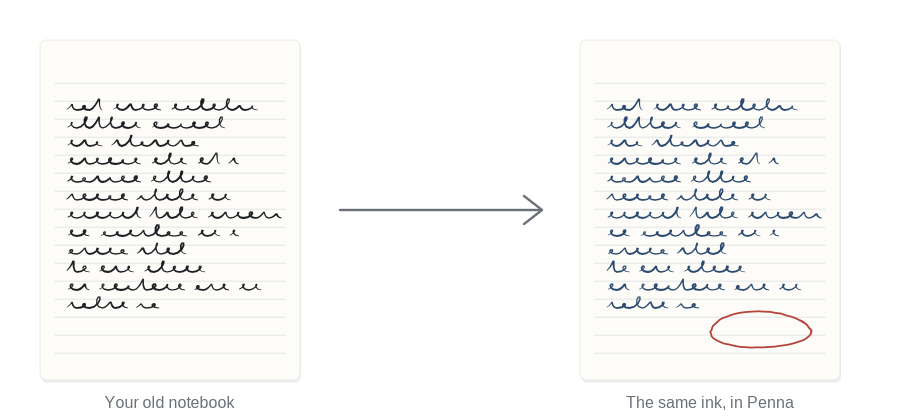
If you like writing on a reMarkable, you'll feel at home here. Penna brings your notebooks to the iPad, iPhone and Mac you already carry, as ink you can keep writing on, and leaves the tablet exactly as it was.
What comes across
On a Mac with the reMarkable desktop app signed in and synced, choose File › Import from reMarkable. Penna reads that app's copy of your notebooks and builds a reMarkable folder in your Library.
- Handwriting arrives as real strokes, so you can erase, lasso and recolor them like anything you wrote in Penna.
- Typed text becomes text you can edit.
- Each time you come back to Penna, it picks up what changed on the tablet and keeps the edits you made here.
- It only ever reads. Nothing on the reMarkable side is changed.
With Penna Sync, the notebooks then follow you to your iPad, iPhone and the web.
What will feel familiar
We spent a silly amount of time on this part.
- Pens you knowNine of them, in an order you'll recognize, with small, medium and large drawing the widths you're used to.
- A light handFull pressure arrives early, because most people write gently. You won't have to lean on the Pencil.
- Tools at the sideOne slim rail that folds away to a single button.
- GesturesTwo-finger tap to undo, three to redo, swipe to turn the page.
- Templates32 of our own designs, from lined to music staves to a week on a page.
- The quietNo ads, no stickers, no assistant offering to summarise your diary.
What's new for you
The bits a paper tablet can't do.
- Colour, everywhereTwelve inks and eight highlighters, on any device.
- It's in your pocketYour notebooks on your phone, where your ideas tend to turn up.
- One LibraryNotebooks, PDFs and Markdown files together, linked to each other.
- Search your scrawlHandwriting is read on your device, so search finds it.
- Draw togetherShare a notebook, or Share Live on a call.
- No new hardwareIt runs on the iPad you've got. The glass is slipperier than paper; a matte screen protector closes most of the gap.
No Mac?
Export a notebook as a PDF from the reMarkable app, then bring it in on your iPad or iPhone with Import…. Your old ink comes along as part of the page, and you can write right over it.
Coming from somewhere else
GoodNotes, Notability and friends
Export your notebooks as PDFs, then use Import… or drag them into the Library on a Mac. Every page keeps its size, and you can write over your old ink.
Apple Notes
On a Mac, File › Import from Apple Notes brings your notes in as Markdown files, folders, pictures and most sketches included, and keeps up as you add more. Elsewhere, export from Notes and import the folder.
How it worksA folder of Markdown
Import… takes .md and .txt files or whole folders, attachments and all. On a Mac, Folder Sync keeps the folder and Penna in step.
Markdown files
reMarkable is a trademark of reMarkable AS. Apple Notes is a trademark of Apple Inc. GoodNotes and Notability are trademarks of their owners. Penna Pad isn't affiliated with any of them.
Write it down. Then find it again.
Penna is coming soon to iPad, iPhone, Mac and the web. Leave your email and we'll send exactly one message: the day it's out.