Sharing
Pass the notebook. Keep the pen.
Share a notebook, a PDF or a whole folder with the people you work with, and watch their ink turn up as they write. Or start Share Live on a call and draw for anyone with the link.
Share with people
Choose Share with People… and add someone by email. They can edit, comment or just look, and a free account is all they need to join in.
- The invitation never says what you're sharing, only who it's from, with a short note if you add one.
- What's shared with you waits under Shared until you put it in a folder of your own.
- While you're both in it, their initials sit at the top of the rail.
Ink that arrives as it's written
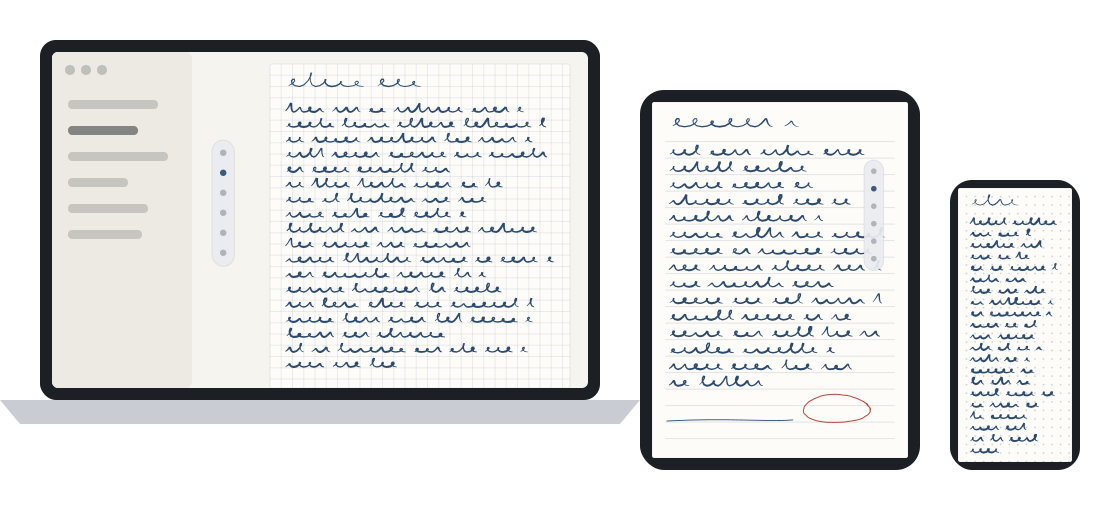
In a shared notebook or PDF, the other person's stroke appears while their pen is still moving, with a small dot and their initial at the tip. It's oddly satisfying, like watching someone write on the other side of the table.
Comments, pinned where they belong
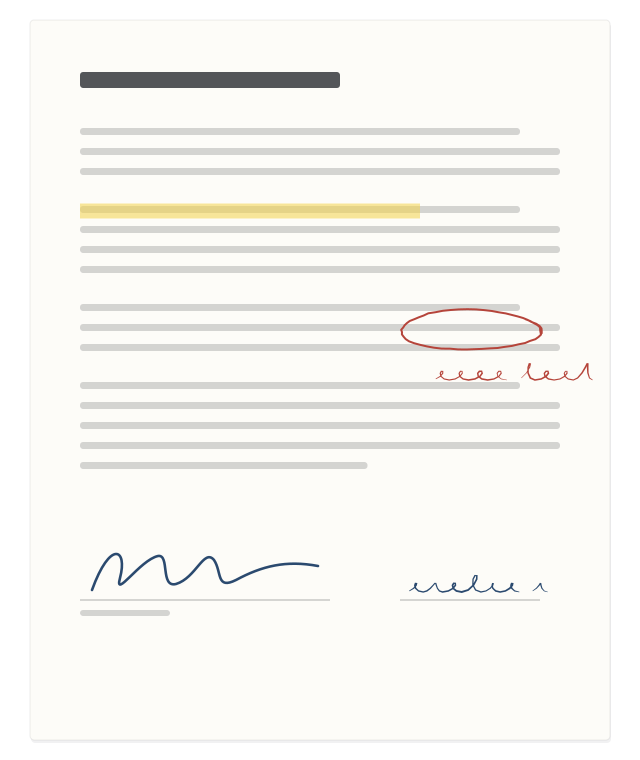
Pin a comment to a spot on a page or a line in a Markdown file. Others can reply, editors mark it resolved, and nobody has to write "see page 4, top left" ever again.
Shared folders
Share a folder and it becomes a shared space: anything moved in is shared with everyone in it, anything moved out goes back to being yours alone. Stop sharing and everything returns to its owner.
Share Live
Draw on a call without sharing your whole screen.
Choose … › Share › Share Live… and Penna gives you a link. Whoever opens it sees the page you're on in their browser, with your ink appearing as you write and a dot where your Pencil hovers. They don't need Penna or an account, and they can't draw on your page.
- Sealed on your deviceThe link carries its own key after the #, which browsers never send to us. Everything the page sends is locked with it, so we can't watch.
- Nothing keptWhat you draw live is never stored on our side. When you stop, the link stops too.
- Just a sign-inPresenting needs a free Penna account. Watching needs nothing at all.
A link anyone can read
For the meeting notes everyone wants and nobody took: turn on "Anyone with the link can view" and the page opens on the web without signing in. It keeps up as you write.
Write it down. Then find it again.
Penna is coming soon to iPad, iPhone, Mac and the web. Leave your email and we'll send exactly one message: the day it's out.