Markdown
Typed notes, next to the handwritten ones.
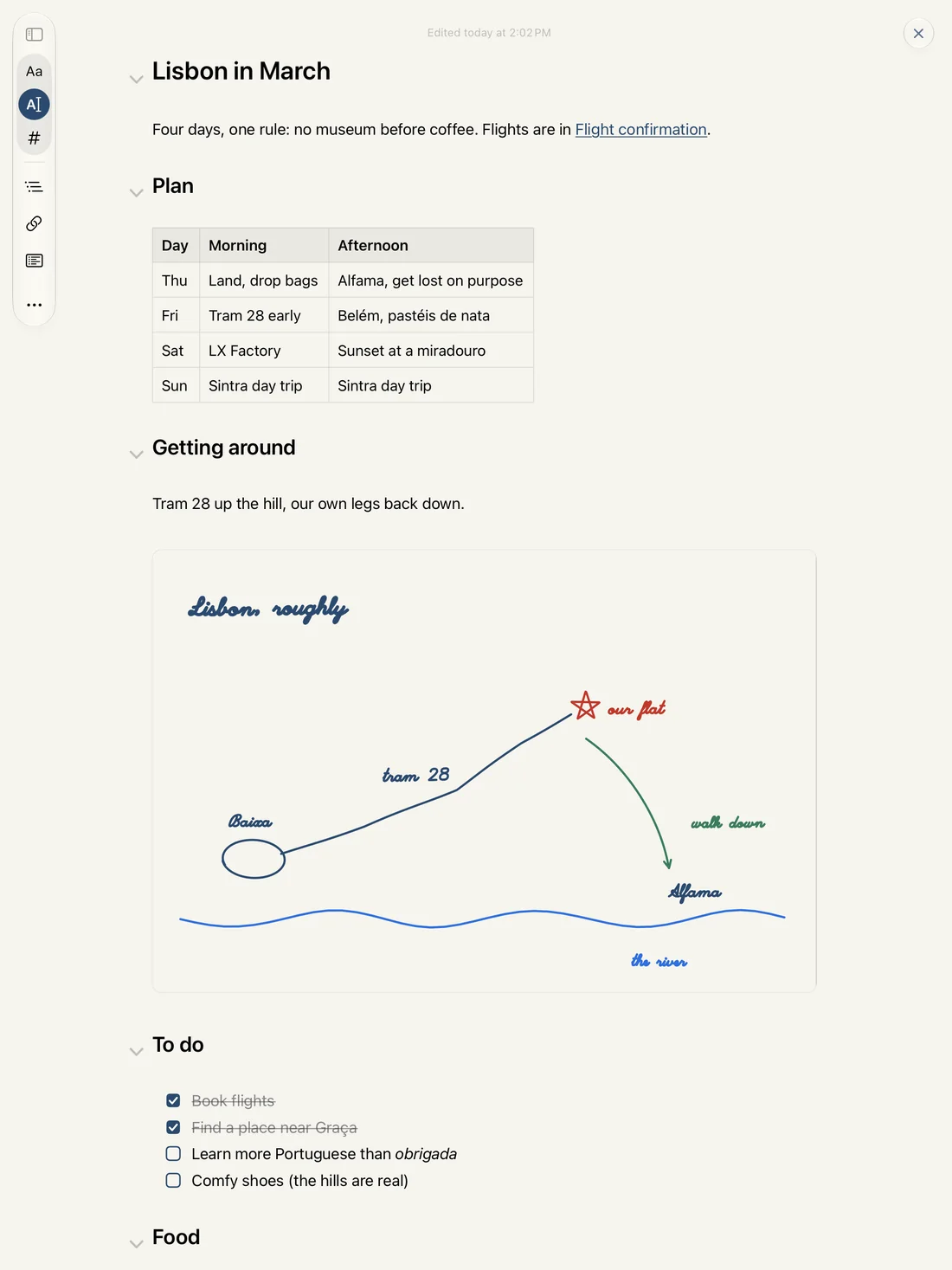
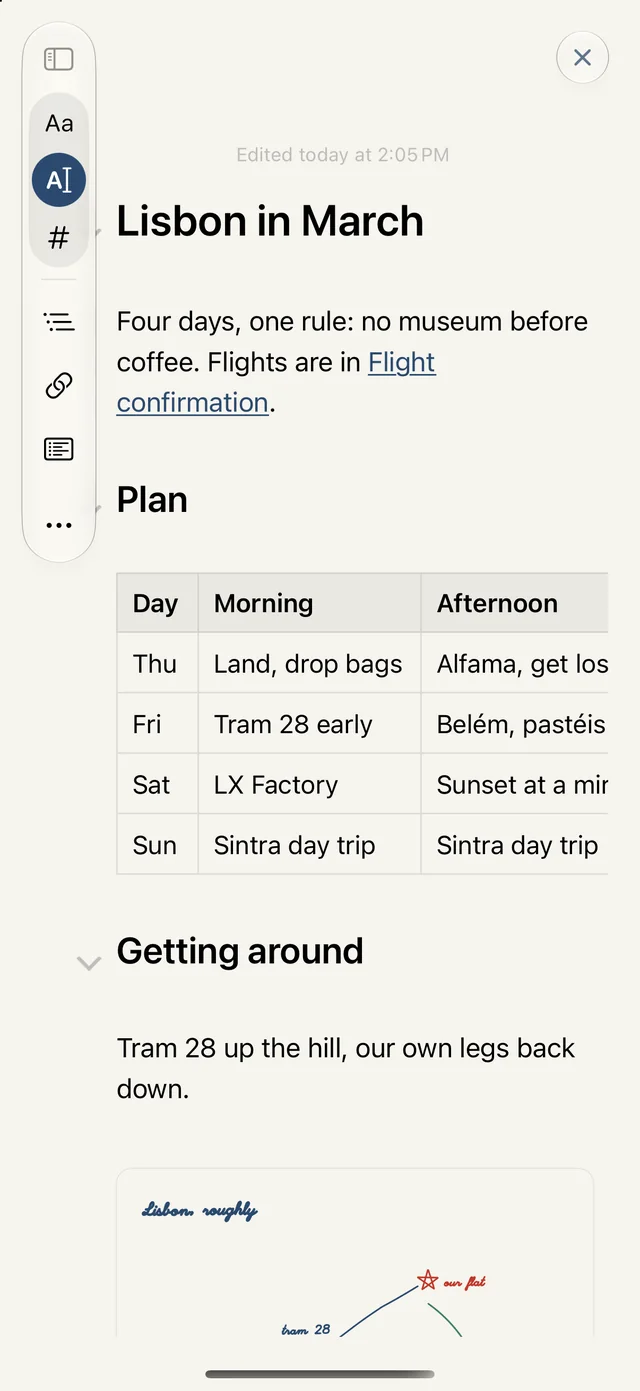
Some things want a keyboard. A Markdown file in Penna is plain text that looks nice while you type, saved exactly as you wrote it, so any other app that reads .md files can open it too.
Plain text, kept plain
Penna never rewrites your file to suit itself. Every character you type is every character that's saved, which matters more than it sounds the day you open the file somewhere else.
- Three ways to lookFormatted hides the markers, Current Line shows them only where you're typing, and Markdown shows them all.
- Tables as a gridClick a cell and type. Tab moves along, Return adds a row. The Markdown underneath stays tidy.
- Code that looks like codeSwift, Python, JavaScript and seven other languages, colored as you type.
- Lists that behaveReturn continues a list, Tab nests it, and ticked tasks sink below the open ones.
- Fold a sectionTuck away everything under a heading while you work on the rest.
- Outline, Backlinks, PropertiesOn the rail beside the page, for long files and well-linked ones.
Link to anything, even a page of ink
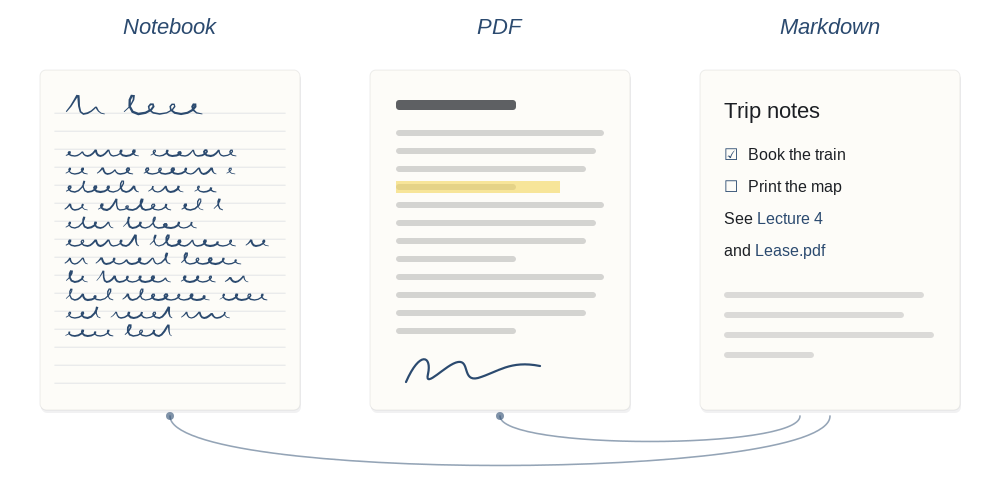
Type [[ and pick a Markdown file, a notebook or a PDF, or go straight to one of its headings or pages. Put a ! in front and that notebook page shows up inside your text, drawn live, so the diagram from Tuesday's meeting sits right under the typed summary.
Pictures and sketches in the text
Paste a photo, drop in a screenshot or take one with the camera. Tap + › Sketch to draw something right there, or Mark Up on a picture to circle the bit that matters. It all travels with the file.

Already have a folder of .md files?
Import… takes single files or whole folders, attachments and all. On a Mac, Folder Sync keeps a folder on disk and Penna in step both ways, as ordinary files, so your other tools keep working.
Write it down. Then find it again.
Penna is coming soon to iPad, iPhone, Mac and the web. Leave your email and we'll send exactly one message: the day it's out.